

Claude Meetings is a beta Anthropic launched on November 12, 2026: Claude joins Google Meet calls as a visible participant, answers questions, drafts documents and leaves notes, action items and a transcript. It is only on Team and Enterprise plans, and by default stays out of calls with external guests.
On November 12, 2026, Anthropic launched Claude Meetings: Claude can now join your video call, listen, answer questions and get work done while everyone keeps talking. Here is what the beta does, what it doesn't do yet, my honest first take, and another way to get meeting notes if you can't (or don't want to) put a bot in the call.
Disclosure: I make NotchLingo, a Mac app that also takes meeting notes. The opinions below are mine; the facts come from the sources linked at the end.
What is Claude Meetings?
Claude Meetings lets Claude join a video call as a visible participant, like a colleague who takes the minutes. When it joins, it posts a notice in the call chat so everyone knows it is there.
During the call you can ask Claude questions out loud or in the chat, and it answers in writing. What sets it apart from the meeting bots we already know is that Claude works in parallel with the meeting: it can draft a plan, build a timeline or task whiteboard, or pull information from your connected tools (with your permission) while the discussion goes on.
When the meeting ends, the notes, action items, transcript and any documents Claude made live on a dedicated meeting page in claude.ai that the team can come back to.
Key facts about the beta
- Launch: November 12, 2026, as a beta that is rolling out gradually.
- Who gets it: Team and Enterprise plans. On Team it is on by default (admins can turn it off); on Enterprise an admin has to enable it for all or part of the organisation.
- Platforms: Google Meet only at launch. Zoom, Teams and others are "coming", with no dates yet.
- What it keeps: a transcript, a summary and descriptions of shared screens. No audio is saved.
- Beta pricing: notes and transcripts are free; written answers are free unless they use a connected tool; documents and whiteboards are free until February 10, 2027.
- Not available for: organisations on zero data retention, HIPAA-ready configurations or customer-managed encryption keys.
- Coming later: sending transcripts to Gong, Attention, Granola, Fireflies.ai, Otter and Plaud.
Privacy: Claude stays out of calls with outsiders
This is the part Anthropic thought through most carefully:
- By default Claude won't join a call that includes someone from outside your organisation. If an outsider joins after Claude, Claude leaves.
- Admins can let Claude stay with external guests. It still announces itself in chat but won't reply there; guests' words still end up in the notes and transcript.
- Each person grants Claude access to their own connected tools.
- Anthropic asks you to make sure everyone is comfortable being transcribed before adding Claude or turning on auto-join.
My take
The real news isn't the notes. Meeting bots have existed for years (Otter, Fireflies, Granola…). What's new is Claude doing the work inside the meeting: the plan gets drafted while you discuss it, the task board appears while you split the work. For teams that already live in Claude (projects, connectors, docs), this is the natural next step. The meeting becomes one more place to work with Claude, not a source of data you copy somewhere else.
But the scope is narrow for now. Three conditions at once: Google Meet, a Team or Enterprise plan, and by default internal-only calls. Freelancers, indie makers, agencies meeting clients, and companies on Zoom or Teams are mostly left out today. "An outsider joins, Claude leaves" is the right privacy call, but it also means the meetings where notes matter most for many of us (calls with customers) are where Claude Meetings helps least.
A visible bot cuts both ways. Having Claude show up as a participant is honest, and I think it's the right design for an AI that can talk and act. In practice, plenty of people still tense up when they see a bot in the participant list, especially customers and job candidates.
Bottom line: if your team is on Claude Team or Enterprise and runs internal meetings on Google Meet, turn it on now; most of the beta is free. If that isn't you, you still need another way to get meeting notes.
Meeting notes without a bot in the call
That's why I built meeting notes into NotchLingo, with the opposite approach: no bot joins the call. The app captures the audio your own Mac is playing, so it works with Zoom, Google Meet, Teams or any other app, and even with a YouTube video or an online course.
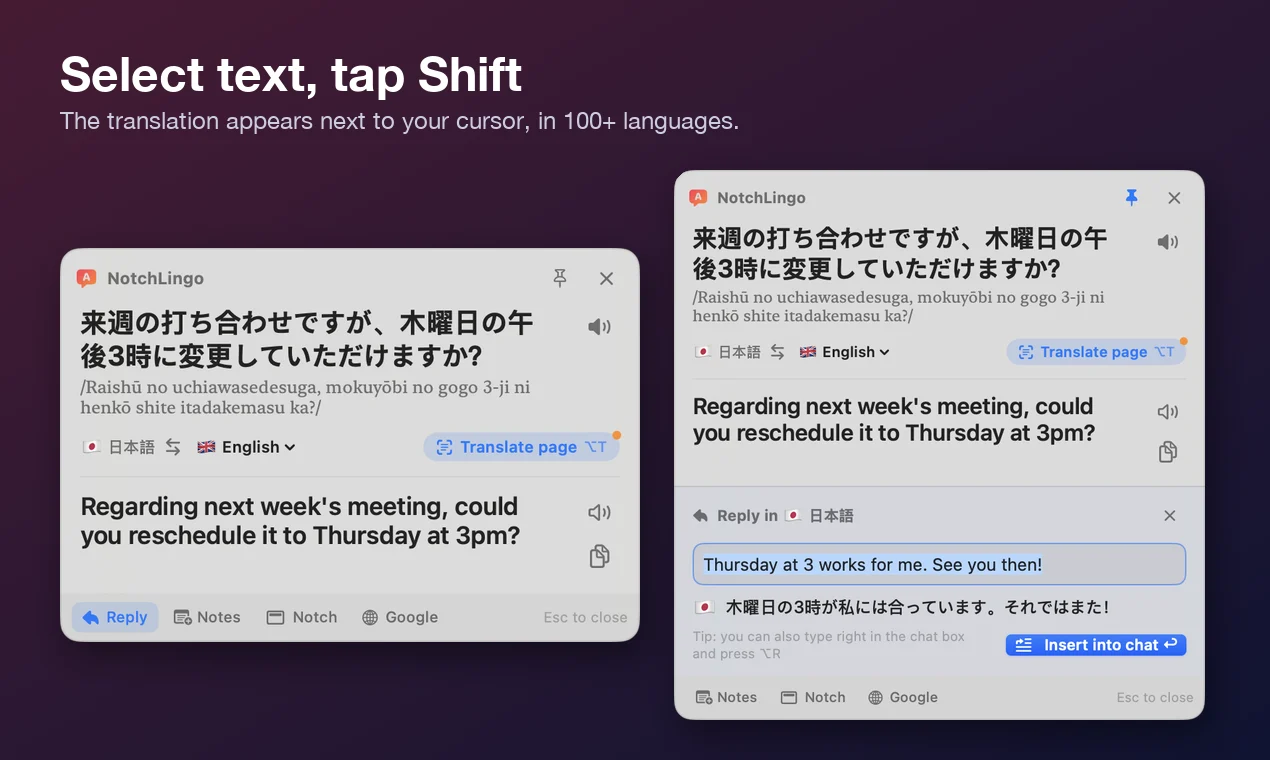
What NotchLingo does for meetings:
- Meeting notes split by speaker, from your Mac's own audio. Nobody in the call sees a bot.
- Live translated subtitles: meeting in Japanese, Spanish or Vietnamese? Subtitles in your language run right in the notch, with the original line underneath.
- Export to SRT, Markdown, TXT or M4A to keep or feed into other tools.
- On-device speech recognition: your audio isn't sent to my servers.
- Works with Claude over MCP: NotchLingo ships its own MCP server, so Claude Code or Claude Desktop can read your meeting notes and summarise them, draft the follow-up email or create tasks. You still use Claude for the thinking; it just doesn't need a seat in the call.
And the etiquette is the same one Anthropic recommends: ask everyone before you record a meeting, whether or not a bot shows up.
Quick comparison
| Claude Meetings (beta) | NotchLingo | |
|---|---|---|
| How it joins | A bot participant everyone sees | Your Mac's audio, no bot |
| Meeting platforms | Google Meet | Any app on your Mac (Zoom, Meet, Teams…) |
| Calls with outside guests | Stays out by default | Works (ask for consent) |
| Work during the call | Docs, whiteboards, connected tools | Live translated subtitles, quick translate |
| What you get | A meeting page in claude.ai | Speaker-split notes, SRT/MD/TXT/M4A export |
| Requirements | Claude Team or Enterprise plan | macOS 14+, 7-day free trial, no card |
Which one should you use?
- Team on Claude Team/Enterprise, internal meetings on Google Meet: turn on Claude Meetings. Getting work done inside the meeting is something no other tool does as well.
- Freelancers, indie makers, client calls, Zoom or Teams, or meetings in another language: use NotchLingo for notes and translated subtitles without a bot, then hand the notes to Claude over MCP.
- They don't exclude each other: plenty of people will use Claude Meetings for internal calls and an on-device recorder for everything else.
Building something yourself? Put it on Shipwall and get a developer portfolio made of products that actually ship.
Sources
Products in this article
Frequently asked questions
+Is Claude Meetings free?
During the beta, notes and transcripts are free on Team and Enterprise plans. Claude's written answers are free unless they use a connected tool, and documents and whiteboards made in calls are free until February 10, 2027. Free and Pro plans don't have the feature.
+Does Claude Meetings work with Zoom or Microsoft Teams?
Not yet. At launch it only supports Google Meet. Anthropic says more platforms will follow but hasn't given dates.
+Does Claude Meetings record audio?
No. It keeps a transcript, a summary and descriptions of shared screens, not audio. Everything lives on a dedicated meeting page in claude.ai.
+Will Claude join meetings with customers or partners?
Not by default: Claude stays out of calls with people outside your organisation and leaves if one joins later. An admin can let it stay; it then announces itself in chat but doesn't reply there.
+How can I take meeting notes without a bot joining the call?
Use an app that records on your own computer. NotchLingo on the Mac makes speaker-split notes from the audio your Mac plays, works with Zoom, Google Meet or any app, and no bot appears in the participant list. Either way, ask everyone before you record.
Put it on Shipwall: a free developer portfolio built from products that are actually live, with an ATS-friendly resume in one click.
Post your product